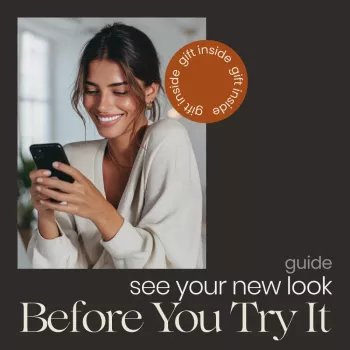
You can preview hairstyles online for free by using a virtual hairstyle try-on tool or a haircut simulator that lets you upload a selfie and test different cuts, lengths, bangs, and part placements. For the most realistic results, pick a clear, front-facing photo in natural light, keep your hair pulled back from your face, and avoid heavy filters.
Look for apps and websites labeled “hairstyle try-on,” “haircut simulator,” or “AI hairstyle.” Many offer a free tier that includes several styles without requiring payment. If a tool asks for a subscription immediately, back out and choose another that provides basic previews at no cost.
A good photo makes the biggest difference. Use a portrait where your entire face is visible (forehead to chin), your head is level, and there aren’t shadows covering your jawline. If you wear glasses often, try one photo with and one without to see how frames change the overall balance.
Most tools will label your face shape automatically, but it’s helpful to check the result. If your face is round, longer layers and side parts often add definition. For square faces, softer layers and curtain bangs can reduce sharpness. Oval faces tend to suit a wide range, so focus on your hair texture and maintenance level instead of “rules.”
Try at least 8–12 styles: one shorter than your current length, one longer, one with bangs, and one with a different part. Screenshot your top 3 and compare them side-by-side. If the tool supports color previews, test subtle changes (like warm vs. cool tones) before dramatic shades.
For a deeper walkthrough of free online tools and how to choose the most flattering cut, visit https://couturebay.shop/how-do-i-see-which-hairstyle-suits-me-online-for-free/.
Use a try-on tool that offers multiple bang types (curtain, wispy, blunt) and test them with your usual part. Check how the bangs sit relative to your eyebrows and cheekbones, and choose the option that doesn’t shorten your face more than you’d like.









Leave a comment